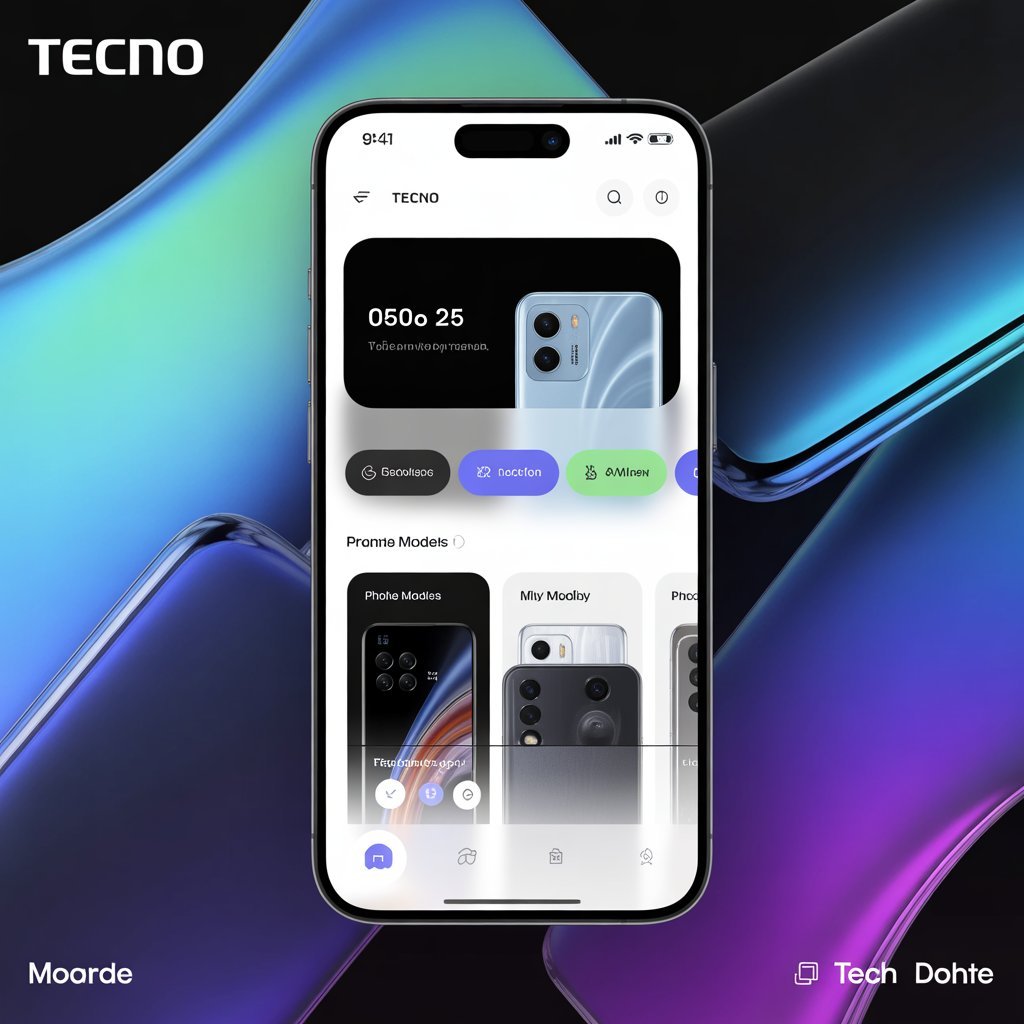
Smartphones today are not just devices for calling or messaging. They have become powerful tools that help people manage daily tasks, communicate, and stay connected with the digital world. One brand that has grown quickly in the smartphone market is Tecno Mobile. Known for producing affordable and feature-rich smartphones, the company has developed several applications that improve the user experience.
The Tecno mobile app ecosystem plays an important role in how users interact with their phones. From device management to app stores and customer support, Tecno provides apps designed specifically for its devices.
This article explains what the Tecno mobile app is, how it works, its main features, and why it is useful for smartphone users.

What Is the Tecno Mobile App?
The term Tecno mobile app usually refers to the collection of official applications created by Tecno for its smartphone users. These apps help manage the phone, download new applications, update software, and provide customer support.
One of the most popular platforms used by Tecno users is Palm Store, which works as the official app marketplace for Tecno devices.
These apps are designed to make smartphone usage easier, especially for people who want simple tools without complicated settings.
Some Tecno apps come pre-installed on Tecno smartphones, while others can be downloaded from the Google Play Store.
Key Features of Tecno Mobile Apps
Tecno apps offer several useful features that improve the performance and usability of smartphones. Below are some of the most important features.
1. Easy App Downloads
Through the Palm Store, Tecno users can quickly download thousands of apps, games, and tools. The store provides recommendations based on user interests, making it easier to find useful applications.
It also highlights trending apps and popular games, allowing users to discover new digital tools.
2. Device Optimization Tools
Many Tecno apps include built-in tools that help optimize phone performance. These tools help users:
Clear unnecessary files
Improve battery performance
Free up storage space
Monitor phone usage
This makes the device run faster and smoother.
3. Software Updates and Security
Tecno apps also help users stay updated with the latest system updates and security patches. Regular updates improve device stability and protect the phone from security risks.
Security is an important factor for smartphone users, and these updates ensure that Tecno devices stay safe.
4. Personalized User Experience
Tecno mobile apps often include customization options that allow users to personalize their devices.
Users can change:
Wallpapers
Themes
Icons
Notification styles
These features help users make their smartphone look unique and match their personal style.
Popular Tecno Mobile Apps
Tecno provides several official applications designed to improve the smartphone experience. Some of the most widely used apps include the following.
Palm Store
Palm Store is the official app marketplace for Tecno smartphones. It offers thousands of apps and games optimized for Tecno devices.
Users can explore categories, read reviews, and download apps directly from the platform.
Phone Master
Phone Master is a device optimization tool that helps users clean storage and improve phone performance.
Key features include:
Junk file cleaner
App manager
Battery optimization
Security protection
HiOS Launcher
Tecno smartphones often run on HiOS, which is Tecno’s custom interface built on Android.
HiOS provides features such as:
Smart panels
Gesture controls
Custom themes
Advanced notification settings
This makes the user interface smoother and easier to use.

Benefits of Using Tecno Mobile Apps
Tecno mobile apps offer several advantages that improve the overall smartphone experience.
Simple and User-Friendly
Tecno apps are designed for people who want easy and simple smartphone tools. Even users with limited technical knowledge can use these apps comfortably.
Better Phone Performance
Optimization tools help keep the phone running smoothly by removing unnecessary files and managing system resources.
Improved Security
Security features help protect user data and reduce the risk of malware or harmful applications.
Regular Updates
Tecno frequently updates its apps to fix bugs, improve performance, and introduce new features.
How to Download Tecno Mobile Apps
Downloading Tecno mobile apps is simple and takes only a few steps.
Step 1: Open the App Store
Users can open the Palm Store or Google Play Store on their Tecno smartphone.
Step 2: Search for the App
Type the name of the Tecno app you want to download in the search bar.
Step 3: Install the App
Click the install button and wait for the download to complete.
Step 4: Open and Set Up
Once installed, open the app and follow the instructions to complete the setup.
Are Tecno Mobile Apps Safe?
Many users ask whether Tecno mobile apps are safe to use. In general, official Tecno apps are safe because they are developed by the company and regularly updated.
However, users should always follow basic safety practices such as:
Downloading apps only from trusted sources
Avoiding unknown third-party apps
Updating the phone regularly
Following these steps helps keep the device secure.
Common Issues With Tecno Mobile Apps
Like any software, Tecno mobile apps may sometimes experience problems. Some common issues include:
Apps crashing unexpectedly
Slow performance
Download errors
Login problems
Most of these issues can be solved by updating the app, clearing cache files, or restarting the phone.
If the issue continues, users can contact Tecno customer support.
Tips to Improve Tecno App Performance
Users can improve their Tecno mobile app experience by following a few simple tips.
Keep Apps Updated
Regular updates improve stability and fix bugs.
Clear Cache Files
Removing temporary files can improve speed.
Manage Storage Space
Phones with more free storage usually perform better.
Restart the Device
Restarting the phone can fix many temporary software issues.
The Future of Tecno Mobile Apps
Tecno continues to expand its ecosystem of mobile applications. As smartphones become more powerful, Tecno apps will likely include more advanced features such as:
Artificial intelligence tools
Smart automation
Enhanced security features
Better cloud integration
These improvements will help Tecno smartphones compete with larger brands in the global market.
Conclusion
The Tecno mobile app ecosystem plays an important role in improving the smartphone experience for millions of users. From app downloads to device optimization and customization, these applications help users get the most out of their Tecno devices.
With tools like Palm Store, Phone Master, and the HiOS interface, Tecno provides simple and practical solutions for everyday smartphone needs.
As technology continues to evolve, Tecno is expected to introduce even more powerful apps that enhance performance, security, and user convenience.
For Tecno smartphone users, these apps offer a reliable and easy way to manage devices and enjoy a better mobile experience.


Hi, I’m Shan, the Admin behind MKNK. I’m passionate about smartphones and automobiles, and I enjoy researching new technology, vehicle launches, and market updates. I started MKNK to share reliable information, practical insights, and easy-to-understand guides for everyday users. I focus on accuracy, originality, and real value so readers can trust what they read and make informed choices.