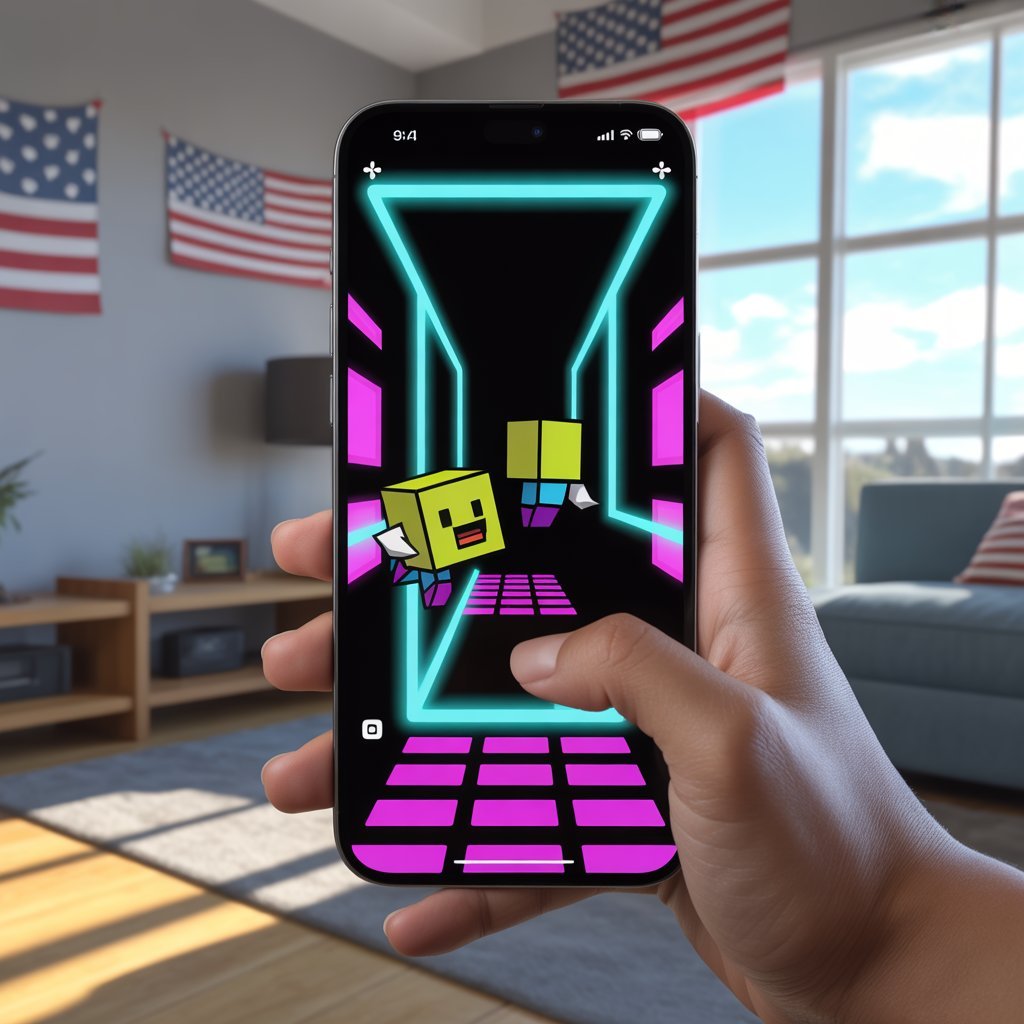
If you love fast-paced rhythm games, you probably want to play GD mobile. GD Mobile refers to playing Geometry Dash on your smartphone or tablet. It is one of the most exciting and challenging games available on mobile devices today.
In the United States, millions of players enjoy this game daily because it combines music, timing, and skill. Whether you are a beginner or an experienced gamer, this guide will help you understand everything about how to play GD mobile the right way.
What Is GD Mobile?
GD Mobile stands for the mobile version of Geometry Dash. It is a rhythm-based action platformer where players control a small cube and jump over obstacles in sync with music.

The game was developed by Robert Topala and released by RobTop Games.
Unlike many mobile games, Geometry Dash is skill-based. There is no “pay-to-win.” You must improve your timing and reflexes to complete levels.
Why Play GD Mobile?
There are many reasons why players in the USA choose to play GD mobile:
1. Easy to Download
You can download it from:
Apple App Store
Google Play Store
It works smoothly on most modern smartphones.
2. Simple Controls
The controls are very simple. You only tap the screen to jump. But mastering the timing is difficult and exciting.
This simplicity makes the game easy for beginners but challenging for advanced players.
3. Fast and Addictive Gameplay
Each level is filled with:
Spikes
Moving platforms
Portals
Gravity changes
Speed boosts
One mistake means starting again. That’s why it becomes addictive.
4. Great Music Experience
Every level is synchronized with energetic music. The beat helps players know when to jump. This makes gameplay more exciting.
How to Play GD Mobile (Beginner Guide)
If you are new and want to play GD mobile successfully, follow these steps:
Step 1: Start With Easy Levels
Begin with official levels like:
Stereo Madness
Back on Track
Polargeist
These help you understand the mechanics.
Step 2: Practice Mode
Use Practice Mode before attempting full completion. It allows you to place checkpoints and learn difficult sections.
Practice is key in Geometry Dash.
Step 3: Learn Timing
This game is all about rhythm. Try to feel the music. Jump according to the beat instead of reacting randomly.
Step 4: Stay Calm
Many players fail due to frustration. Stay relaxed and try again. Every attempt improves your muscle memory.
Features of GD Mobile
When you play GD mobile, you get access to many features:
Custom Levels
Players can create and share custom levels online. This means unlimited content.
Character Customization
You can unlock:
New cube designs
Different colors
Icons
Trails
This makes your gameplay unique.
Daily Challenges
The game includes daily rewards and new levels to keep players engaged.
Offline Play
One of the best features is that you can play offline after downloading levels.
Is GD Mobile Free?
There are different versions available:
Geometry Dash Lite (Free version)
Full Geometry Dash (Paid version with full access)
The paid version offers:
More official levels
Online level editor
Full customization
No ads
Many serious players prefer the full version.
Tips to Improve When You Play GD Mobile
If you want to get better faster, follow these tips:
1. Use Headphones
Listening carefully to music helps with timing.

2. Adjust Screen Sensitivity
Make sure your screen is clean and responsive.
3. Watch Pro Players
Watching skilled players on YouTube helps you learn new techniques.
4. Focus on One Level at a Time
Don’t switch between many levels. Master one before moving on.
5. Take Breaks
If you get frustrated, take a short break and return later.
Why GD Mobile Is Popular in the USA
In the USA, mobile gaming is growing rapidly. Geometry Dash stands out because:
It requires skill, not money
It improves focus and reaction time
It has strong online community support
It runs smoothly on most devices
Many American players enjoy competing for high scores and level completion.
Common Mistakes Beginners Make
When trying to play GD mobile, beginners often:
Tap too quickly
Ignore the music
Skip practice mode
Play while distracted
Avoid these mistakes to improve faster.
Is Playing GD Mobile Good for You?
While it is just a game, it can:
Improve hand-eye coordination
Enhance focus
Increase reaction speed
Train patience
However, like any game, play in moderation.
Device Requirements to Play GD Mobile
Most modern smartphones in the USA can run the game smoothly.
Recommended:
Updated iOS or Android version
At least 2GB RAM
Stable touch screen
No internet is required for offline levels.
Future of GD Mobile
The developer continues to update the game with new features and levels. The community also keeps growing.
New updates include:
Improved graphics
New icons
More advanced levels
Online competition features
This keeps the game fresh and exciting.
Final Thoughts: Should You Play GD Mobile?
If you enjoy challenging games that test your skills, you should definitely play GD mobile.
It is:
Simple but difficult
Fun and addictive
Affordable
Skill-based
Popular in the USA
Whether you are a casual player or competitive gamer, Geometry Dash offers endless entertainment.
Start with easy levels, practice regularly, and enjoy the rhythm. With patience and focus, you can master even the hardest challenges.
FAQs
1. Is GD Mobile hard to play?
Yes, it can be challenging, but practice makes it easier.
2. Can I play GD Mobile offline?
Yes, after downloading levels, you can play offline.
3. Is Geometry Dash safe for kids?
Yes, it does not contain harmful content.
4. Is it worth buying the full version?
If you enjoy the game seriously, the full version is worth it.


Hi, I’m Shan, the Admin behind MKNK. I’m passionate about smartphones and automobiles, and I enjoy researching new technology, vehicle launches, and market updates. I started MKNK to share reliable information, practical insights, and easy-to-understand guides for everyday users. I focus on accuracy, originality, and real value so readers can trust what they read and make informed choices.