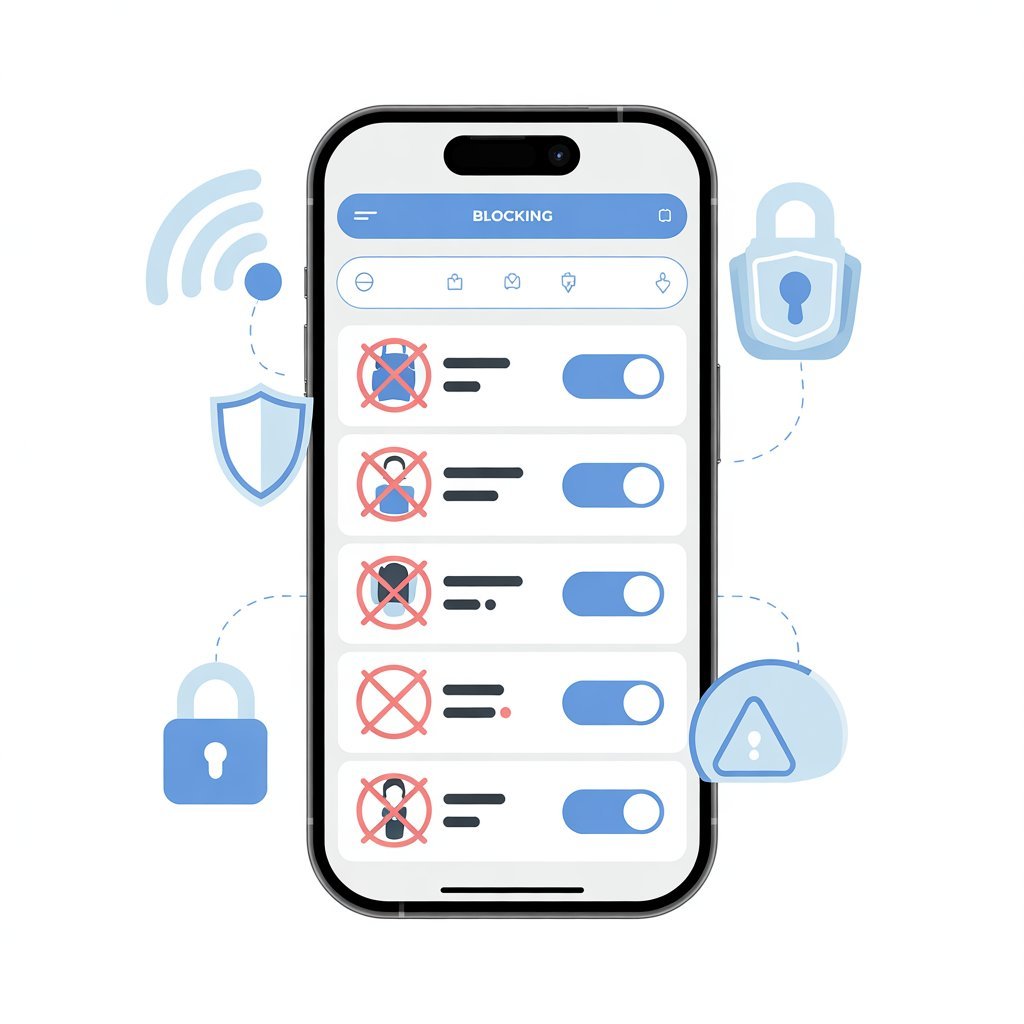
In today’s digital world, smartphones are part of everyday life in the United States. While the internet is useful, some websites can be distracting, harmful, or inappropriate — especially for children and teenagers. That’s why many parents, students, and even professionals want to know how to block website in mobile devices.
Whether you are trying to improve productivity, protect your kids, or avoid harmful content, this simple guide will help you block websites easily on Android and iPhone.
This article follows Google-friendly best practices and provides step-by-step instructions in simple English.

Why You May Need to Block a Website on Mobile
There are many reasons Americans search for how to block website in mobile:
Parental control for children
Avoid adult or harmful content
Reduce social media distraction
Improve focus during work or study
Prevent malware or phishing sites
Blocking websites helps create a safer and more productive mobile experience.
How to Block Website in Mobile (Android)
Android phones are widely used in the USA. There are different ways to block websites on Android.
Method 1: Using Google Family Link (Best for Parents)
One of the safest methods is using Google Family Link.
Steps:
Download Google Family Link from the Google Play Store.
Set up a child account.
Select your child’s profile.
Tap “Manage Settings.”
Choose “Filters on Google Chrome.”
Add the website you want to block.
This method is best for parental control.
Method 2: Block Websites Using Google Chrome Settings
If you use Google Chrome, you can limit content through SafeSearch.
Steps:
Open Chrome.
Go to Settings.
Tap Privacy and Security.
Enable Safe Browsing.
Note: This method filters harmful content but may not block specific websites completely.
Method 3: Using Third-Party Blocking Apps
There are apps designed to block websites completely.
Popular options in the USA include:
BlockSite
Norton Family
These apps allow you to:
Block specific URLs
Set time restrictions
Create focus mode
Monitor activity
This is one of the most effective methods.
How to Block Website in Mobile (iPhone)
If you use an iPhone, blocking websites is easier because of built-in parental controls.
Method 1: Using Screen Time (Best Method)
Apple provides built-in content control through Screen Time.
Steps:
Open Settings.
Tap Screen Time.
Select “Content & Privacy Restrictions.”
Enable restrictions.
Tap “Content Restrictions.”
Select “Web Content.”
Choose “Limit Adult Websites.”
Tap “Add Website” under Never Allow.
Enter the website URL to block it.
This method works perfectly for parents and individuals.
Method 2: Using Safari Restrictions
If you use Safari, you can limit content inside Screen Time settings as explained above.

Safari automatically blocks restricted sites once settings are enabled.
Method 3: Third-Party Apps for iPhone
You can also use apps like:
Qustodio
Net Nanny
These apps provide advanced monitoring and website filtering features.
How to Block Website in Mobile Without App
If you don’t want to install extra apps, you can:
Change DNS settings
Use router-level blocking
Enable SafeSearch on Google
Some USA internet providers also allow content filtering through Wi-Fi router settings.
How to Block Website in Mobile for Productivity
Blocking websites is not only for parents. Many adults block:
Social media sites
Gaming websites
Streaming platforms
Apps like BlockSite allow you to create “Focus Mode” during work hours.
This helps:
Increase productivity
Reduce screen time
Improve concentration
Benefits of Blocking Websites on Mobile
Blocking harmful or distracting websites can:
Protect children from inappropriate content
Improve mental focus
Reduce online addiction
Prevent cyber threats
Create healthier screen habits
In the USA, digital safety is becoming more important every year.
Things to Remember
Before blocking websites, keep these points in mind:
Use strong passwords for parental controls
Keep apps updated
Monitor children’s online activity
Explain to kids why websites are blocked
Communication is just as important as restriction.
Common Problems and Solutions
Problem: Website still opens
Solution: Clear browser cache and restart phone.
Problem: Child disables app
Solution: Use app lock and password protection.
Problem: VPN bypass
Solution: Block VPN apps through parental controls.
Is Blocking Websites Legal in the USA?
Yes. Blocking websites on your own device or your child’s device is completely legal.
However, blocking content on someone else’s device without permission may cause privacy concerns.
Always follow ethical digital practices.
Final Thoughts
Learning how to block website in mobile is essential in today’s connected world. Whether you are a parent protecting your child or an adult improving productivity, blocking harmful or distracting websites can make a big difference.
Android and iPhone both offer simple solutions. You can use built-in features like Screen Time or install trusted apps for advanced control.
Digital safety starts with awareness. By taking small steps today, you can create a safer and more focused mobile experience.
FAQs
1. Can I block websites on Android without an app?
Yes, but third-party apps provide stronger blocking features.
2. Is Screen Time free on iPhone?
Yes, it is built into iOS devices.
3. Can kids bypass website blockers?
Some tech-savvy kids may try using VPNs, so parental monitoring is important.
4. Does blocking websites improve productivity?
Yes, many users report better focus after blocking distracting websites.


Hi, I’m Shan, the Admin behind MKNK. I’m passionate about smartphones and automobiles, and I enjoy researching new technology, vehicle launches, and market updates. I started MKNK to share reliable information, practical insights, and easy-to-understand guides for everyday users. I focus on accuracy, originality, and real value so readers can trust what they read and make informed choices.