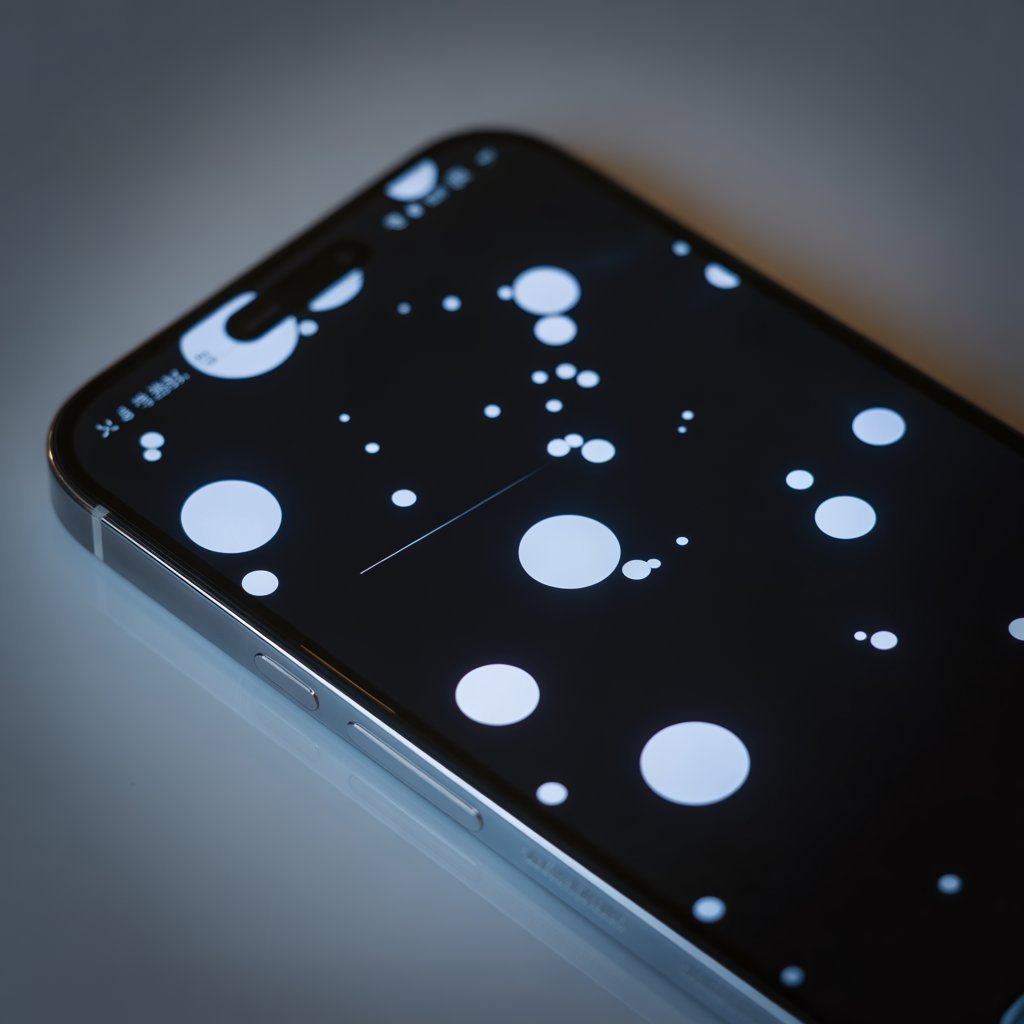
Have you noticed white spots on your mobile screen that won’t go away?
Maybe you cleaned the screen, restarted the phone, and the spot is still there. It can be frustrating and worrying — especially if your phone is new or expensive.
Don’t worry. In this complete guide, we will explain everything in simple English:

What causes white spots
Whether it’s serious
How to fix it
Repair costs in the USA
When to replace your phone
Let’s start.
What Are White Spots on a Mobile Screen?
White spots are small bright patches that appear on your phone’s display. They are usually:
Circular or irregular in shape
More visible on white backgrounds
Brighter than the rest of the screen
These spots are often caused by screen pressure, backlight problems, or internal damage.
Common Causes of White Spots on Mobile Screen
There are several reasons why this problem happens.
Pressure Damage
This is the most common cause.
If you:
Sit on your phone
Keep it in a tight pocket
Drop it
Press too hard on the screen
The LCD layer can get damaged.
Pressure can create bright spots where the screen layers are affected.
LCD Backlight Bleeding
LCD screens use a backlight behind the display.
If something pushes against the back panel, the light may leak unevenly, causing white spots.
This is common in older LCD phones.
Screen Manufacturing Defect
Sometimes, white spots appear because of factory defects.
If your phone is new and still under warranty, this may be covered.
Water or Moisture Damage
If water enters your phone, it can affect internal display layers.
Even small moisture can create white patches over time.
Dead or Stuck Pixels
Sometimes, what looks like a white spot is actually a group of stuck pixels.
Dead pixels usually appear black, but stuck pixels can appear bright.
Is It a Serious Problem?
It depends.
✔ Small spot that doesn’t grow = usually minor
Large or spreading spots = possible screen damage
If the spot:
Increases in size
Changes color
Affects touch sensitivity
Then you may need repair.
Does This Happen on All Phone Brands?
Yes. It can happen on:
Apple Inc. iPhones
Samsung Electronics Galaxy phones
Google Pixel phones
Motorola devices
LCD screens are more likely to show white spots than OLED screens.
How to Fix White Spots on Mobile Screen
Let’s look at possible solutions.
1. Restart Your Phone
Sometimes it may be a temporary software glitch.
Restarting can help reset the display system.
2. Check With Screenshot Test
Take a screenshot of the white spot.
If:
Spot appears in screenshot → software issue
Spot does NOT appear → hardware issue
Most white spots are hardware-related.
3. Light Pressure Massage (Very Carefully)
⚠ Only try this if you are confident.
Using a soft cloth, gently press around the spot.
Sometimes minor backlight pressure can adjust.
Do NOT press hard — this can worsen damage.
4. Pixel Fixing Apps
If it’s a stuck pixel, you can try pixel-fixing apps.
These apps flash colors rapidly to unstick pixels.

Results are not guaranteed.
5. Screen Replacement
If damage is physical, screen replacement is the best solution.
How Much Does Screen Repair Cost in the USA?
Average screen replacement costs:
Budget phone: $80 – $150
Mid-range phone: $150 – $250
Premium phone: $250 – $400+
For example:
iPhone screen repair can cost $200+
Samsung Galaxy repairs may range from $180–$350
Costs depend on model and service provider.
Can Warranty Cover White Spots?
Maybe.
Warranty may cover:
✔ Manufacturing defects
Physical damage
Pressure damage
Water damage
If your phone is new, contact the manufacturer first.
When Should You Replace the Phone?
Consider replacement if:
Repair cost is too high
Phone is very old
White spots are spreading
Touch function stops working
If repair costs more than 50% of phone value, replacement may be smarter.
How to Prevent White Spots in Future
Prevention is better than repair.
✔ Use a strong protective case
✔ Avoid tight back pockets
✔ Don’t sit on your phone
✔ Avoid water exposure
✔ Use screen protector
Taking care of your device reduces display issues.
LCD vs OLED Screens
LCD screens:
More likely to show white spots
Use backlight
OLED screens:
Less backlight issues
May show burn-in instead
Knowing your screen type helps understand the issue better.
Signs the Damage Is Getting Worse
Watch for:
Spot growing larger
Yellow or dark edges
Flickering screen
Touch delay
Screen lines appearing
If you see these, repair quickly before full display failure.
Should You Ignore Small White Spots?
If:
It’s very small
Not growing
Doesn’t affect performance
You may continue using the phone normally.
Many users live with small spots for years.
Frequently Asked Questions
Why do white spots appear suddenly?
Usually due to pressure or internal screen damage.
Can white spots disappear on their own?
Rarely. Most hardware-related spots stay permanent.
Is it dangerous?
No, but it may worsen over time.
Can screen protector fix it?
No. Protectors only prevent future damage.
Final Thoughts
Seeing white spots on mobile screen can be annoying, but it’s usually not a major emergency.
Most of the time, it happens due to:
Pressure damage
LCD backlight issues
Minor internal defects
In the USA, screen repair costs vary depending on phone model. If your phone is under warranty, check with the manufacturer first.
If the spot is small and stable, you may continue using your device without problems.
But if it grows or affects performance, replacing the screen is the safest solution.
Taking simple preventive steps can protect your phone from future display damage.


Hi, I’m Shan, the Admin behind MKNK. I’m passionate about smartphones and automobiles, and I enjoy researching new technology, vehicle launches, and market updates. I started MKNK to share reliable information, practical insights, and easy-to-understand guides for everyday users. I focus on accuracy, originality, and real value so readers can trust what they read and make informed choices.